Auto Material Applicator
Stop fighting the shader editor
$9.99$7.99
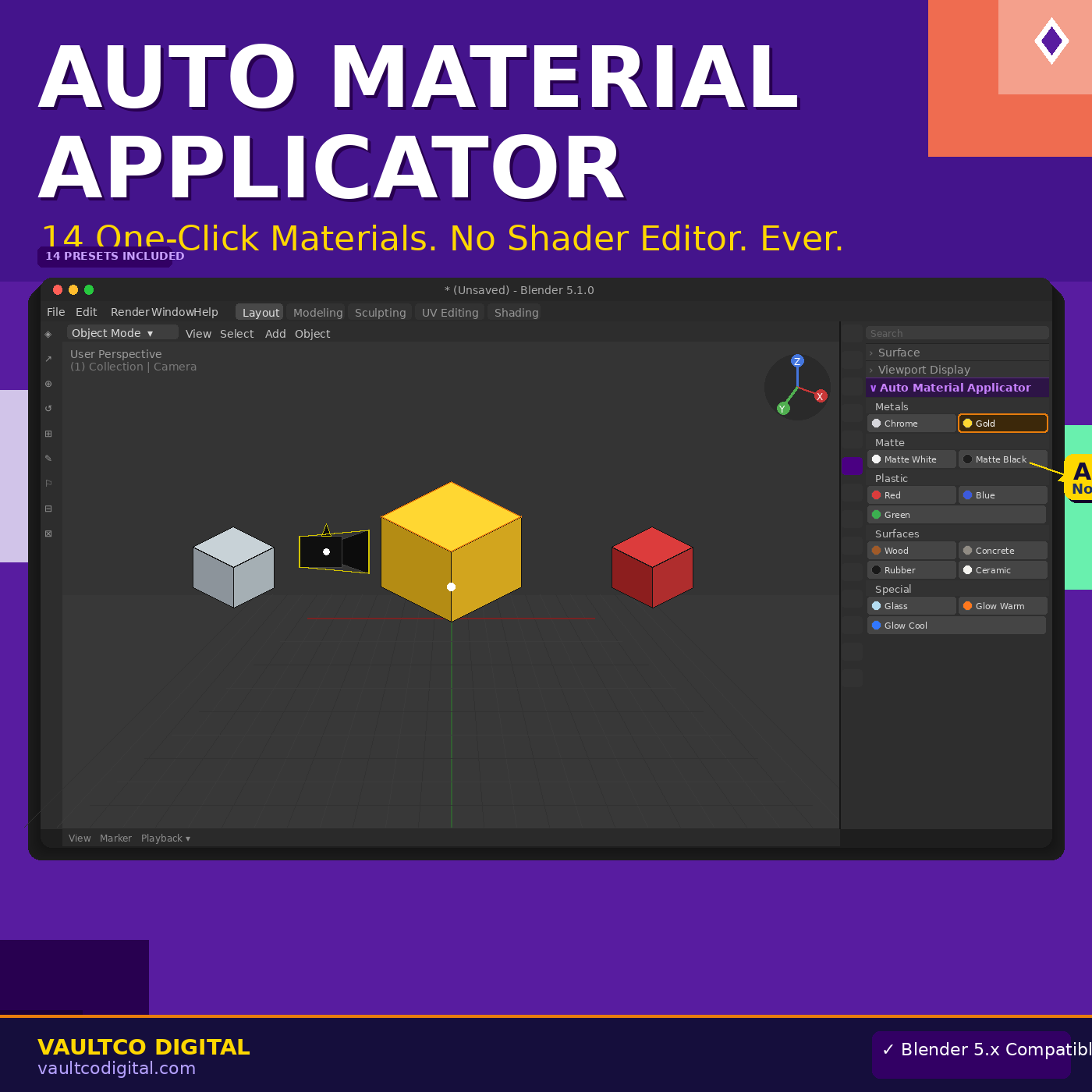
Auto Material Applicator gives you 14 professional, ready-to-use materials in one click.
Select one object or fifty — pick Chrome, Gold, Glass, Glow, Concrete, and more — done in seconds. No nodes. No settings to hunt down. Just click and go.
Built for beginners who want professional results without the learning curve of Blender's shader system. Also includes a fully custom material builder where you can set your own color, metallic, roughness, and specular values with simple sliders.
What's inside: Chrome · Gold · Matte White · Matte Black · Plastic Red · Plastic Blue · Plastic Green · Wood (Warm) · Concrete · Rubber Black · Ceramic White · Glass · Glow Warm · Glow Cool · Custom Color Builder with metallic/roughness/specular sliders · Apply to one object or all selected at once · Clear materials button · Step-by-step instruction card included · Blender 5.x compatible · Instant download
For best results with Glass and Glow presets, switch to Cycles render engine first
Select all objects in your scene with A, then click any preset to material-swap everything at once
Use the Custom Color Builder to match brand colors or specific hex values for product mockups
Clear All Materials button is perfect for starting fresh on imported models that come with messy materials
Q: Does this work with Eevee? A: Yes! All presets work with both Eevee and Cycles. Glass and Glow look best in Cycles.
Q: Can I apply to multiple objects at once? A: Yes — select as many objects as you want with Shift+Click or A to select all, then click any preset.
Q: Will this overwrite my existing materials? A: Yes — clicking a preset replaces the first material slot. Use the Clear button first on complex objects.
Q: Does it work on imported models? A: Yes — works on any mesh object regardless of where it came from.